
The Terms of Use at sign-in, and the Privacy Policy
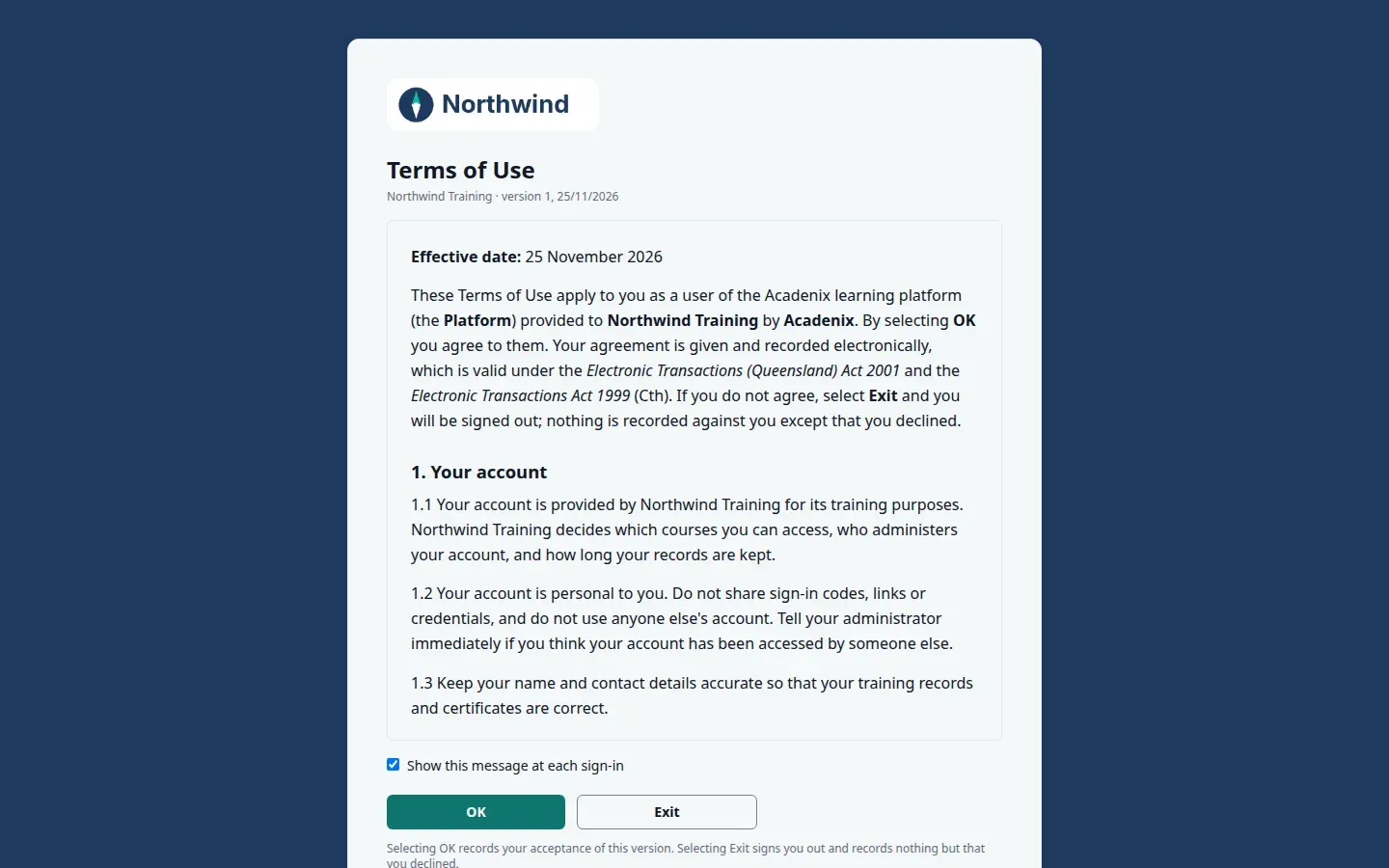
After you sign in, your organization may show you its Terms of Use before anything else.
Steps
-
Read the Terms of Use.
-
To stop seeing them at every sign-in, untick Show this message at each sign-in.
-
Choose OK to accept and carry on, or Exit to sign out without accepting.
Good to know
- Unticked, you see them again only when a new version is published that everyone must accept again.
- The Privacy Policy is never accepted. Choose Privacy Policy at the bottom of any page, or on the sign-in page, to read it.
- In your language. Where your language is available, the text is a translation, and the English beneath it is the binding version.
- The wording is your organization’s. Questions about it go to your organization’s administrators.
If this didn’t help
Ask Nix to log a support ticket, or open Support under Need help?.
Copyright © 2026 Acadenix.com